
Follow the order. See the product.
Explore four connected steps using actual local product screens with fictional restaurant data. This tour does not create orders or process payments.
One order.
A team on the same page.
Explore the handovers that make a restaurant work. Each step connects to a practical guide and a working product screen.
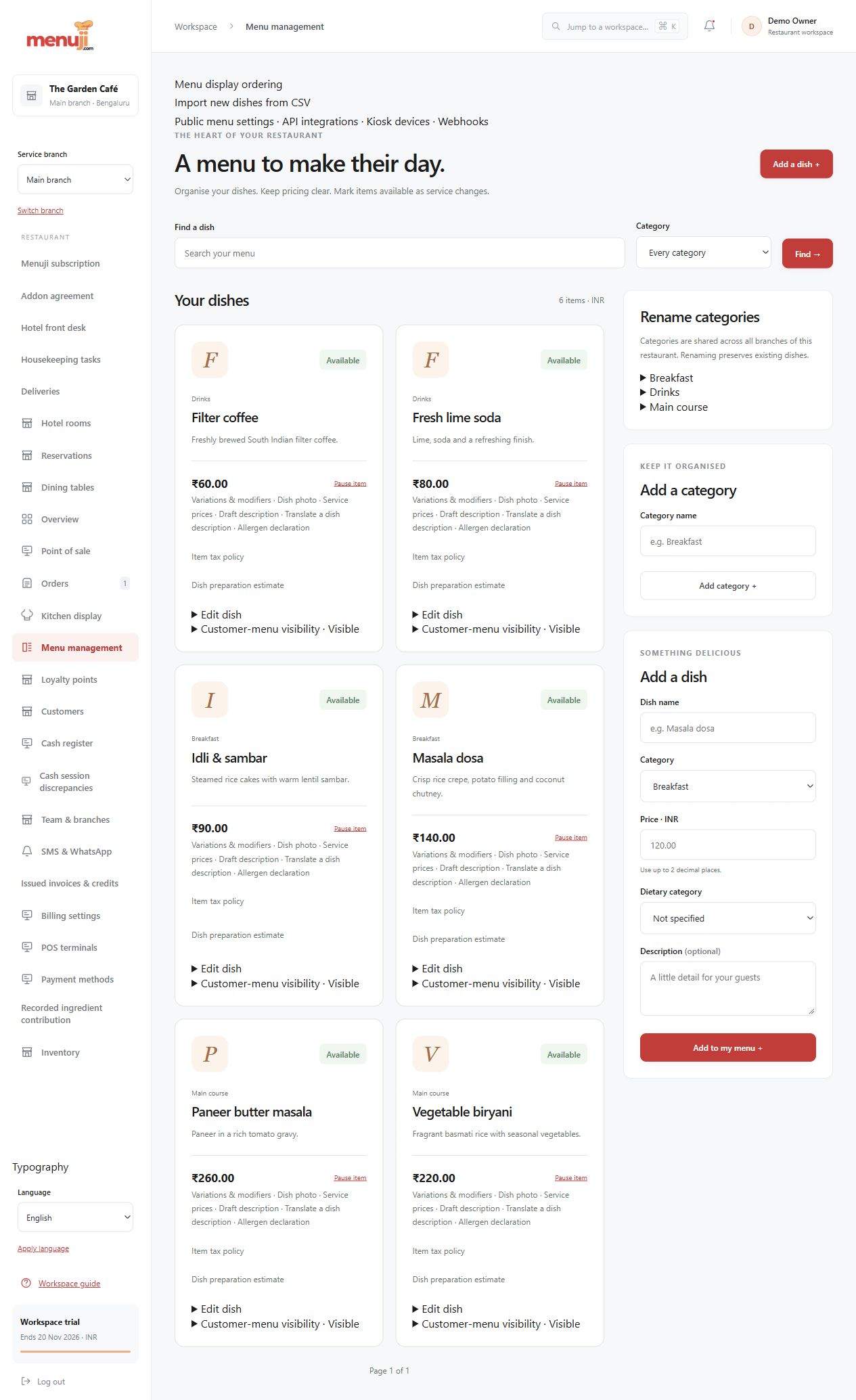
A menu ready for real choices.
Group dishes, add photos, configure choices and review prices before publishing. Pause unavailable items without rebuilding the menu.
- Categories, prices & dietary labels
- Menu choices and branch-aware review
- Public menu & customer ordering
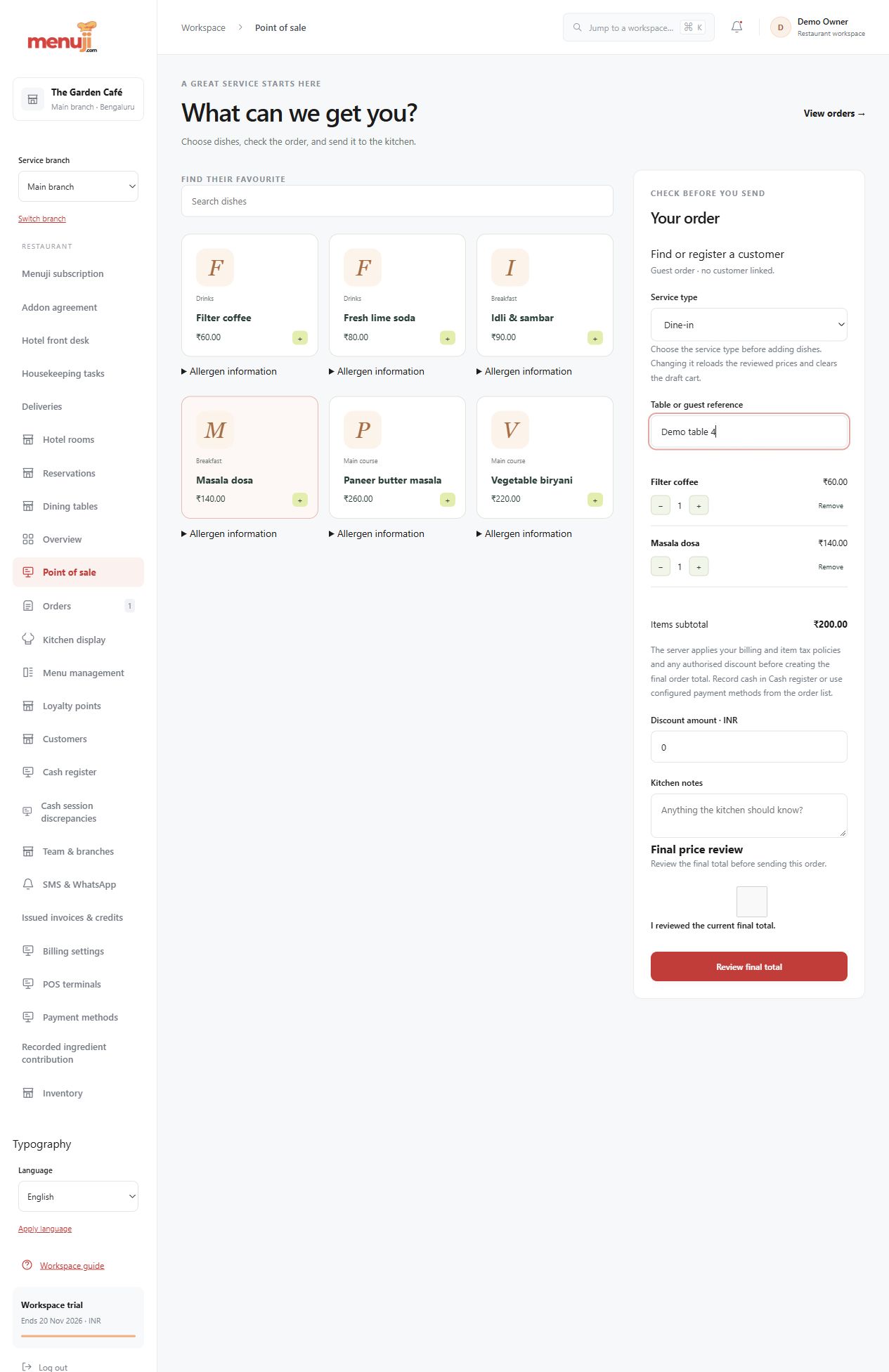
Keep the order and its context together.
Enter dine-in, takeaway or delivery orders with quantities and notes. Review prices and supported discounts before the order is recorded.
- Table and service references
- Reviewed totals before submission
- Order history and controlled amendments
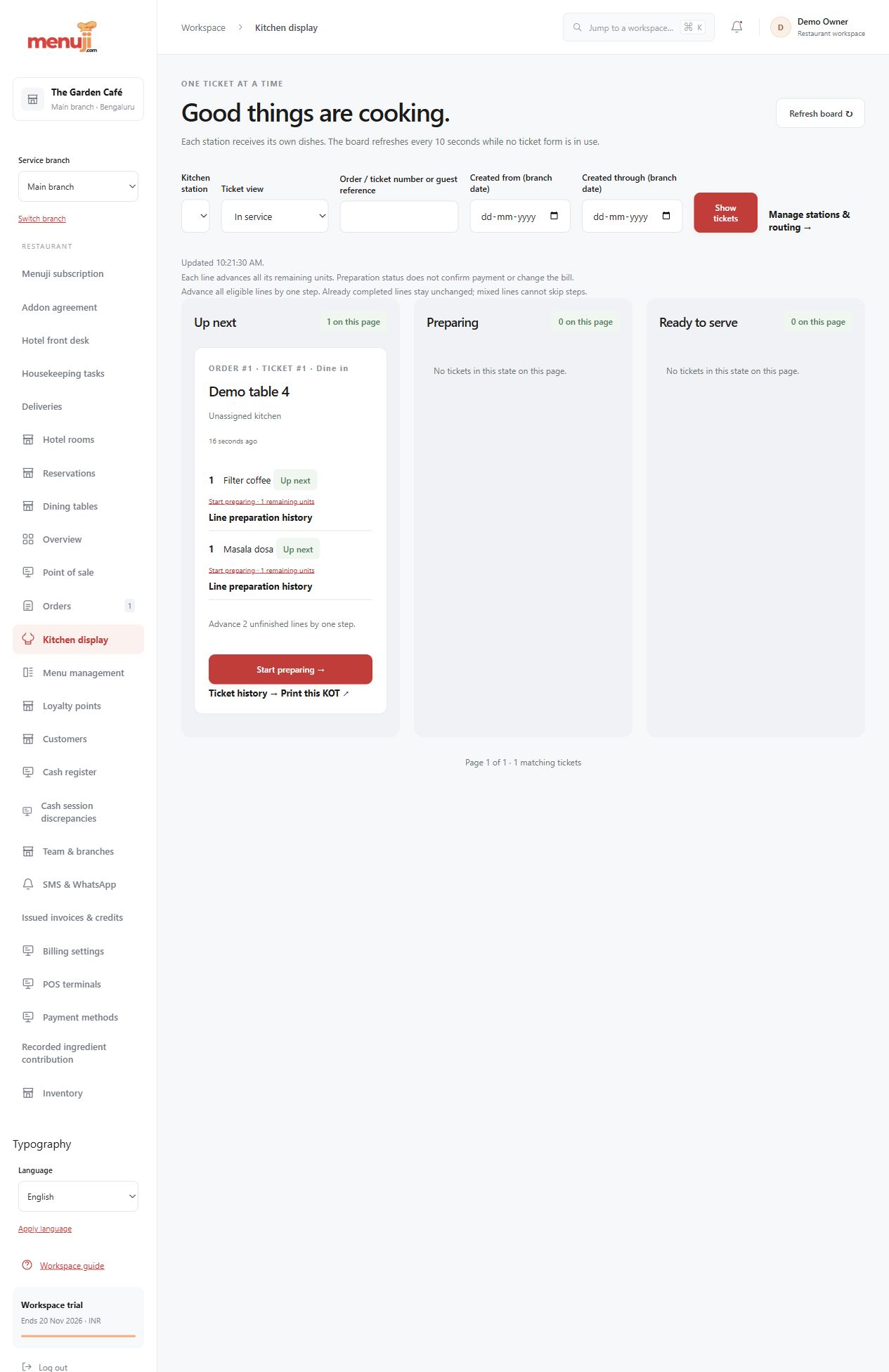
Make the next kitchen step visible.
Give the kitchen dishes, quantities and preparation notes in a working queue. Move orders through the configured preparation and handover statuses.
- Clear preparation queues
- Recorded service status changes
- Station and print extensions by setup
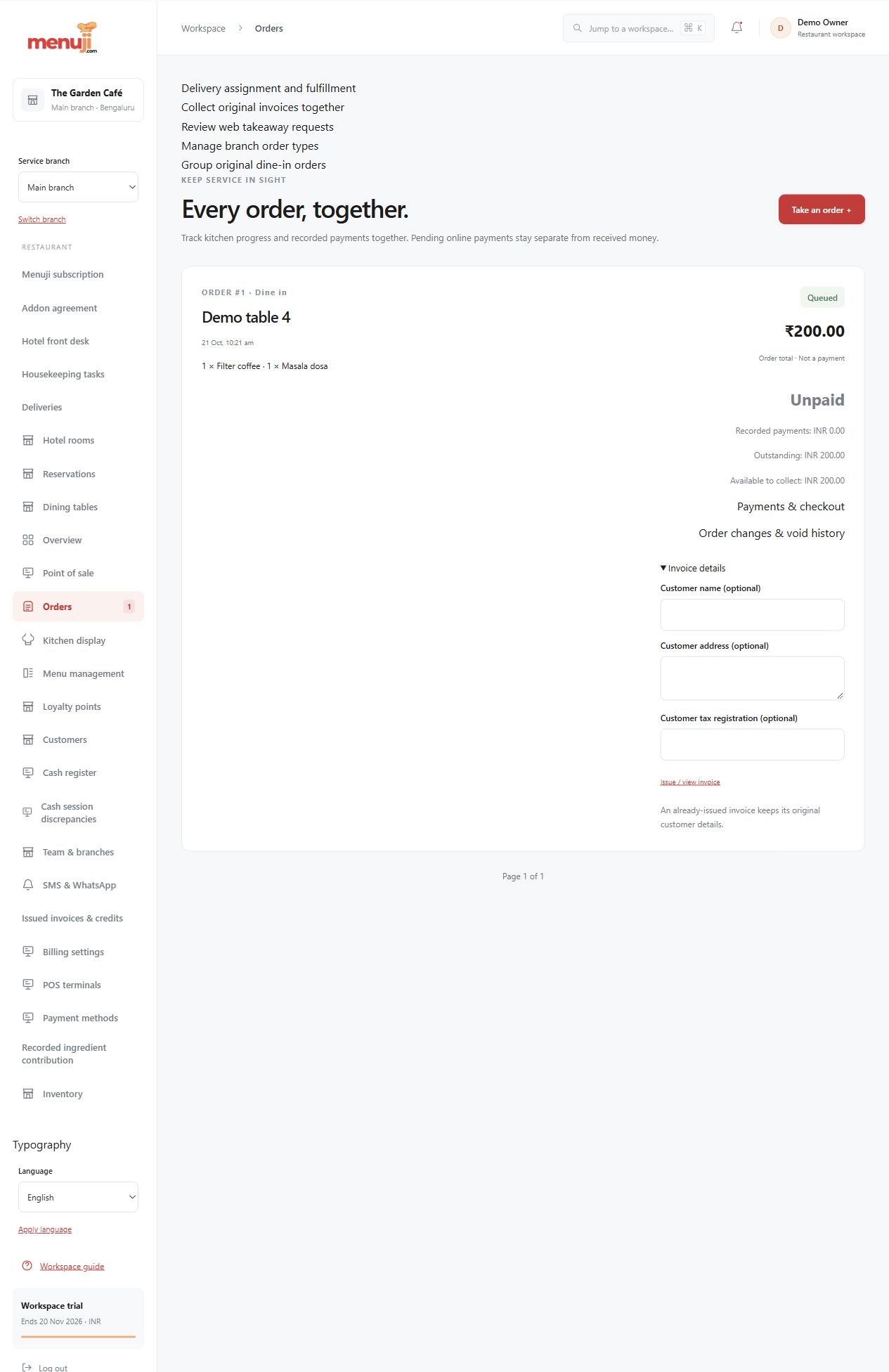
A bill, a payment and a record.
Use configured invoice details, restaurant payment settings and staff cash workflows. Manual QR receipts need a staff check against the bank record.
- Tax and service-charge settings
- Restaurant-owned Razorpay configuration
- Cash records and browser invoices
Bring your menu.
Walk through a real order.
Explore the workflow, check the details and choose the setup that fits your restaurant.