
Setup required
Restaurant-owned SMS & WhatsApp
Prepare permitted restaurant communications using the restaurant’s own approved provider accounts.
Built for the work you do.
- Configure supported SMS or WhatsApp accounts and templates.
- Apply recipient consent, opt-outs and supported delivery observations.
- Prepare eligible balance reminders and prospective reservation follow-ups.
- Use separately opted-in staff stock or invoice-and-credit report workflows.
Before you switch it on
Provider fees, approvals and event coverage apply. Staff stock delivery is explicitly default off; preparation or a configured schedule is not proof of sending or delivery.
Discuss your setup ↗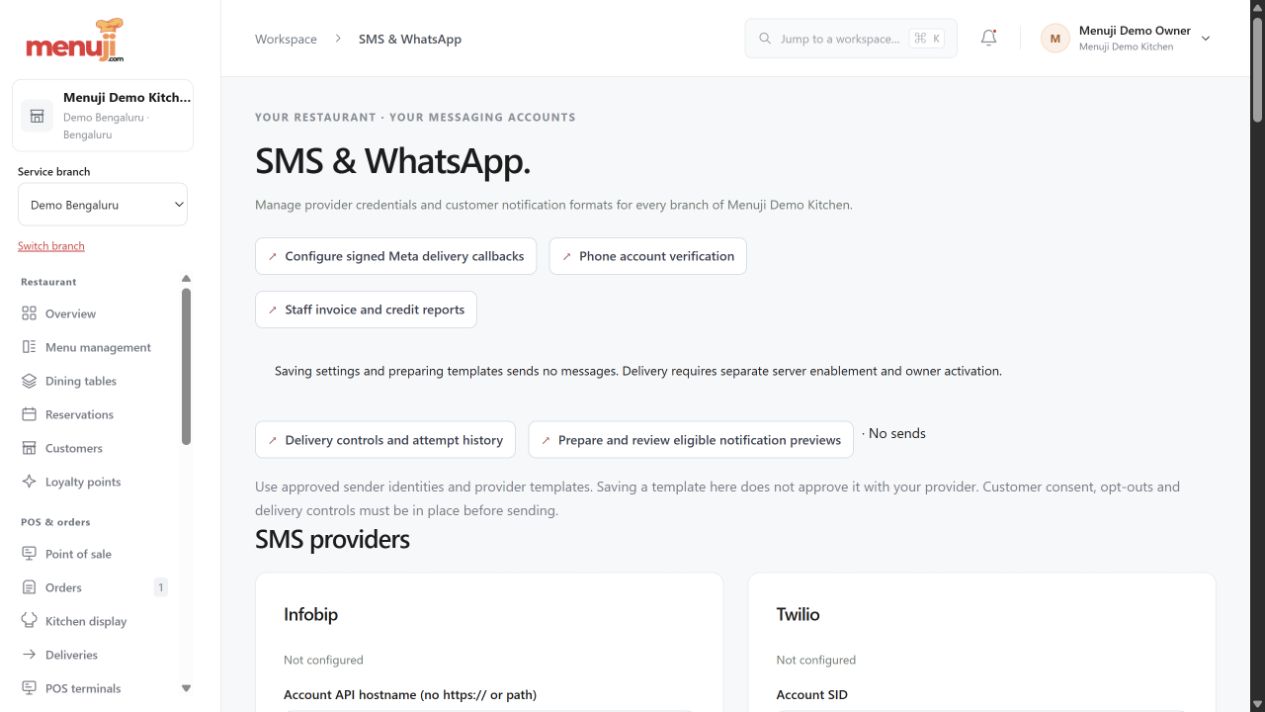
Menuji Demo Kitchen · Current app capture · Sample data. Photo credits.
MAKE THE NEXT SERVICE YOUR STARTING POINTBring your menu.
Bring your menu.
Make room for good service.
Start with your restaurant account, explore the workflow and find the setup that fits your team.