
Overview & reports. Know which number you are looking at.
Start with the service overview, then open the report that answers the actual question: orders, documents, cash movements or recorded costs.
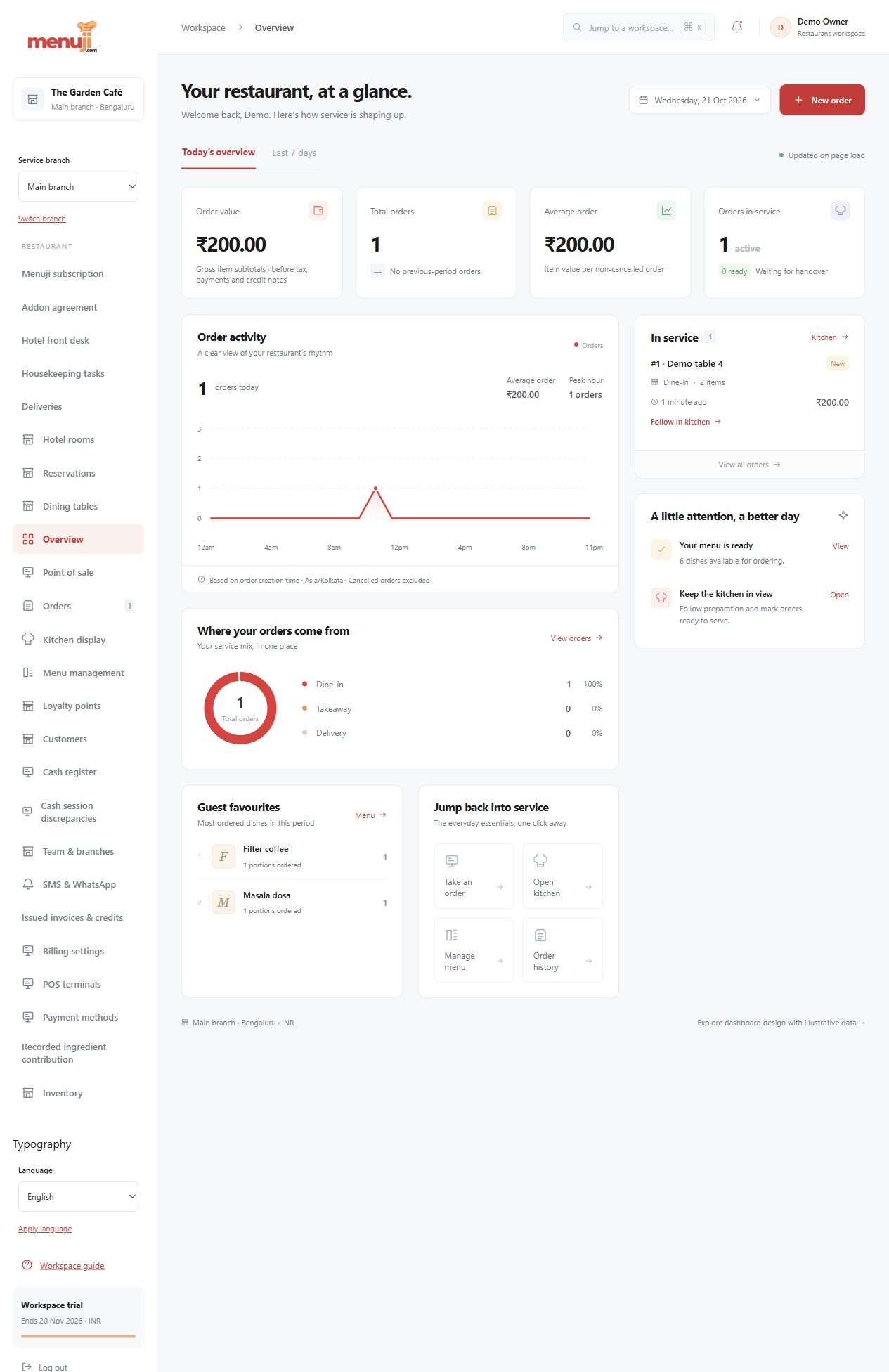
A service snapshot
Review order activity, service channels and popular dishes in the restaurant operating timezone.
Follow the evidence
Supported financial reports distinguish issued invoices and credits from actual payment and cash records.
Export with purpose
Permission-controlled CSV exports support selected reporting workflows. Keep currency, date meanings and report definitions visible when comparing results.
- 01
Choose the relevant branch and period.
- 02
Read the report labels and included records.
- 03
Open source records or a supported export for follow-up.
Check the details.
Order value is not automatically collected revenue or profit. Inventory contribution and incurred expenses are specific measures, not a complete profit-and-loss account.
Good questions.
Is the overview a profit report?
No. Order amounts, invoices, payments, inventory contribution and expenses describe different things.
Can reports be exported?
Supported report families include private CSV exports subject to permissions and report limits.
Bring your menu.
Walk through a real order.
Explore the workflow, check the details and choose the setup that fits your restaurant.