
QR menu & ordering. Let guests start with your menu.
Give guests a practical way to browse and request an order while your team controls what enters service.
A published menu
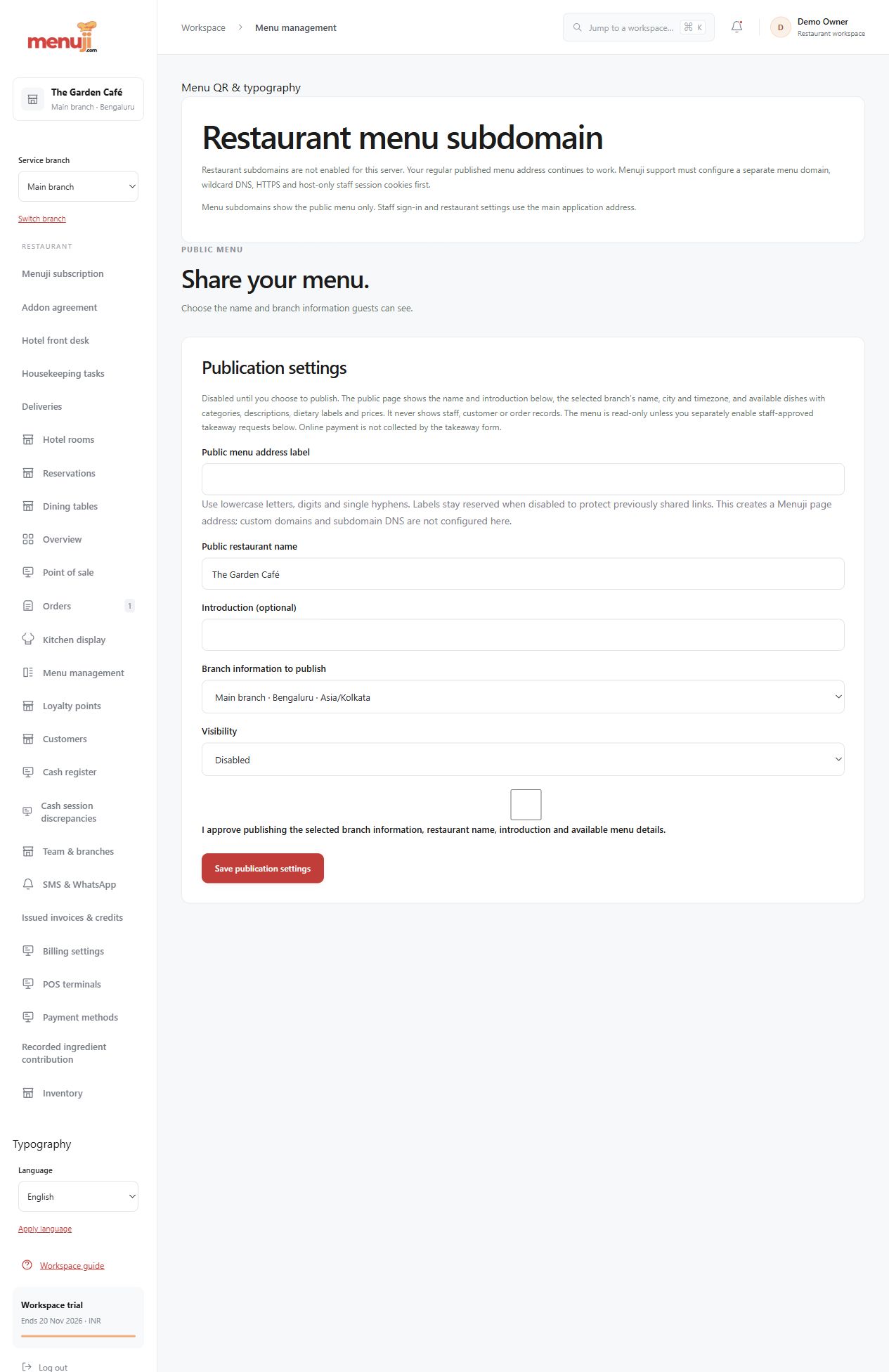
Owner-controlled publication presents the eligible menu. Supported QR styles, labels and branding connect the digital menu to your venue.
A clear request handover
Enabled customer workflows review a cart and preserve its request through staff acceptance. Table and delivery experiences require their own configuration.
Pause new requests
Supported pause and reopen controls let the restaurant manage incoming demand while retaining original request and receipt recovery.
- 01
Review and publish the menu.
- 02
Enable the supported workflow and policies.
- 03
Test a complete guest request, acceptance and payment journey.
Check the details.
Menu publication does not automatically enable checkout. Branded-host DNS/TLS, physical QR scanning and device behaviour require verification.
Good questions.
Can guests order from a QR menu?
Supported customer ordering can be enabled with the required configuration. Publication alone does not activate every channel.
Can I stop new requests during a rush?
Supported pause controls stop new requests without treating existing orders or receipts as cancelled.
Bring your menu.
Walk through a real order.
Explore the workflow, check the details and choose the setup that fits your restaurant.