
Module workflow
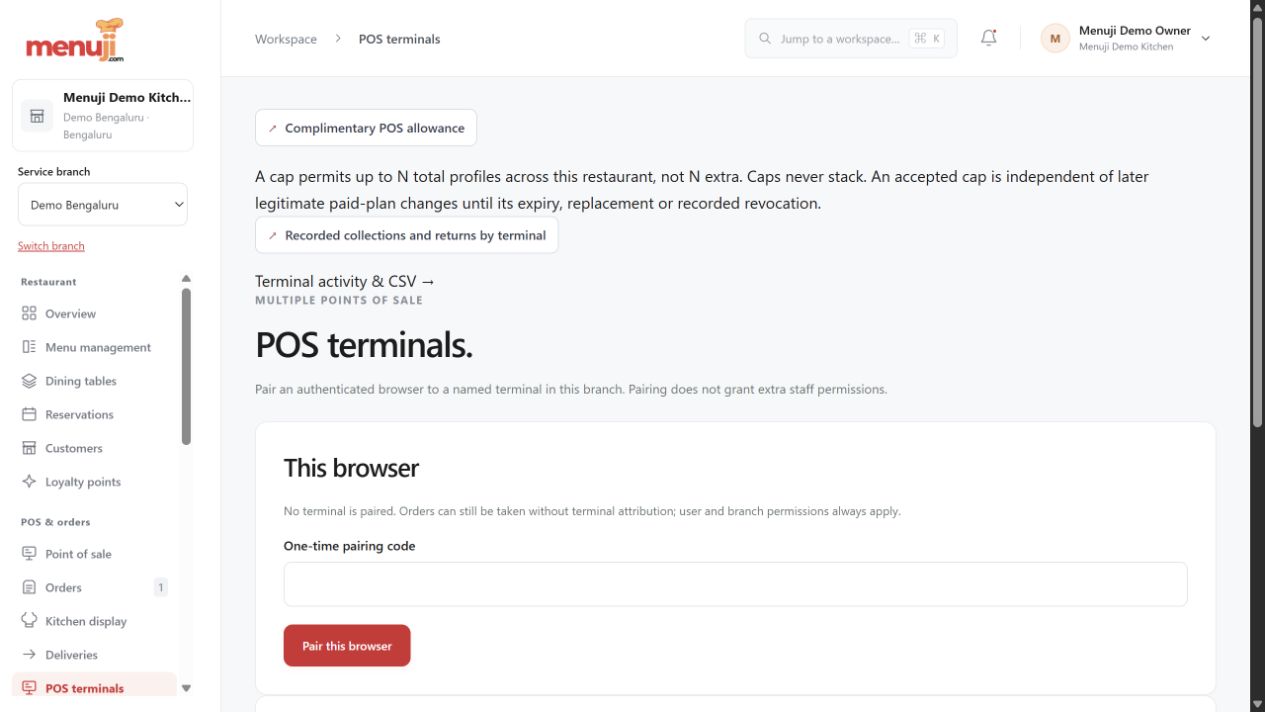
Paired POS terminals & kiosk ordering
Separate staff terminal access from a restricted guest ordering screen.
Built for the work you do.
- Pair and revoke supported POS terminals.
- Retain terminal attribution and configured allowances.
- Use eligible kiosk takeaway or dine-in carts.
- Hand supported payment or private reward steps to a customer phone.
Before you switch it on
Plan allowances, restaurant configuration and live device testing apply. A kiosk phone handoff does not give new phone accounts unsupported payment or reward rights.
Discuss your setup ↗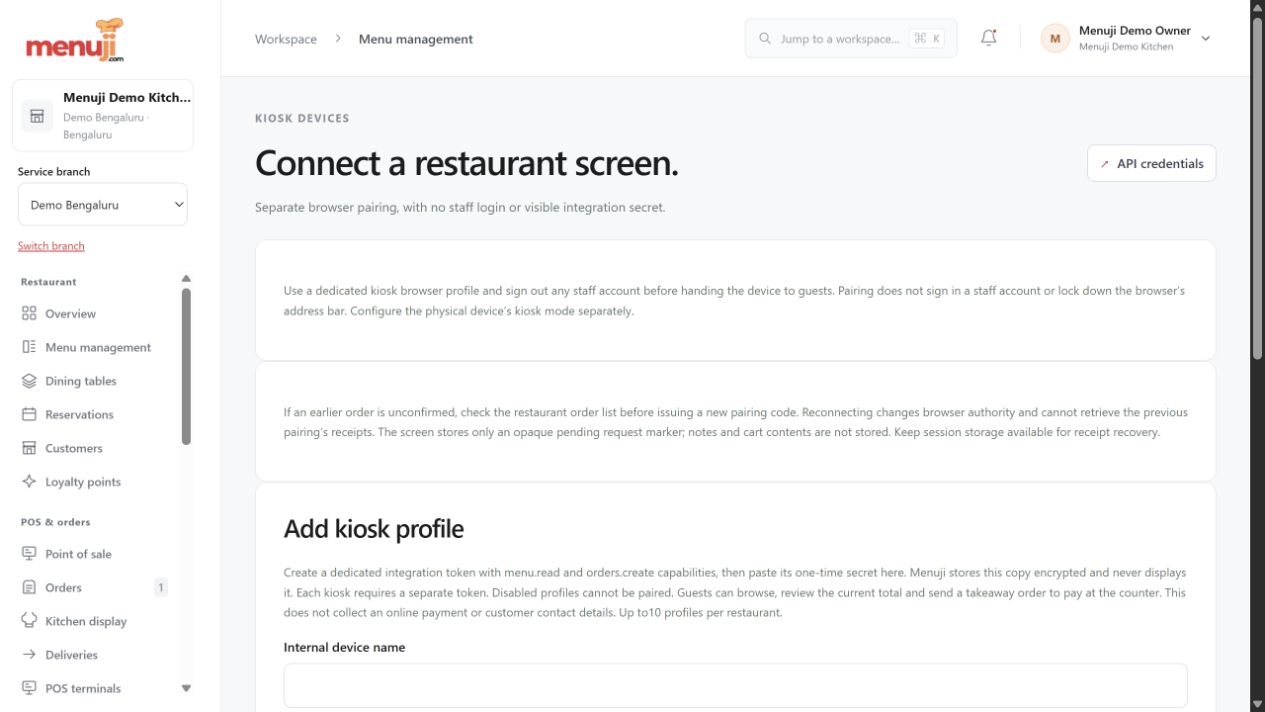
Menuji Demo Kitchen · Current app capture · Sample data. Photo credits.
See the connected views.
MAKE THE NEXT SERVICE YOUR STARTING POINTBring your menu.
Bring your menu.
Make room for good service.
Start with your restaurant account, explore the workflow and find the setup that fits your team.