
Payments & cash. A payment needs a real record.
Keep the order, payment attempt, receipt and cash handover understandable to the people responsible for them.
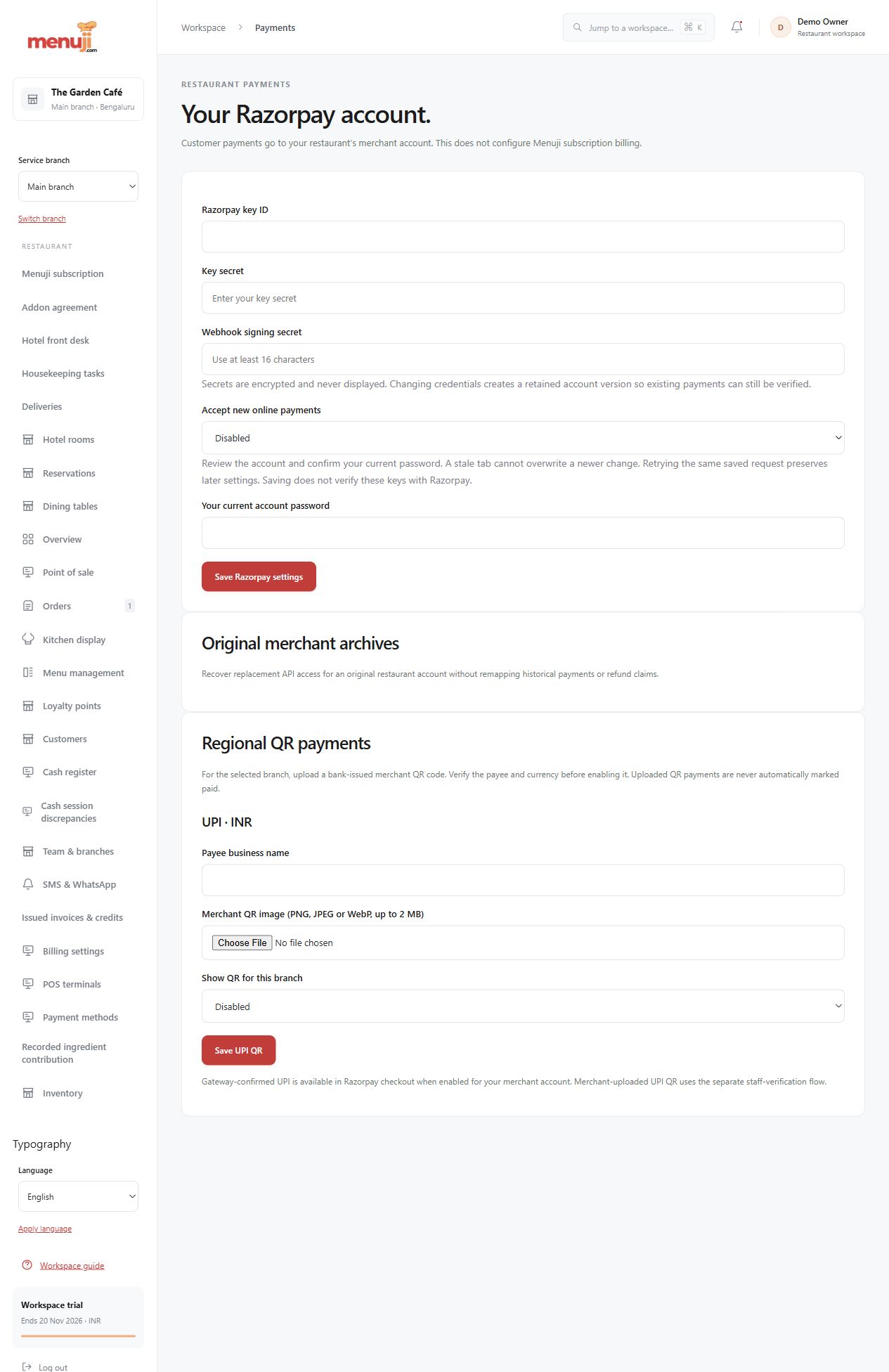
Your merchant account
Restaurant customer Razorpay payments use the restaurant’s configured merchant account. Menuji subscription billing uses a separate platform account.
Recorded cash custody
Supported opening, collection, refund, counting, approval and closing workflows keep cash movements separate from order totals.
A clear manual-QR process
Initial uploaded QR workflows cover India/INR and Thailand/THB. Staff must verify the bank receipt; a customer screenshot is not payment confirmation.
- 01
Configure eligible restaurant payment methods.
- 02
Complete the supported collection or bank-verification process.
- 03
Review payment evidence and cash-session records.
Check the details.
Merchant eligibility, credentials and live transactions need separate setup and verification. Automatic PromptPay is deferred. Split, refund and gratuity combinations have specific limits.
Good questions.
Does scanning a QR confirm payment?
No. Uploaded QR uses staff bank-receipt verification before recording payment.
Can customer payments use Menuji’s merchant account?
No. Restaurant customer gateway payments use the restaurant’s account, separate from Menuji subscription billing.
Bring your menu.
Walk through a real order.
Explore the workflow, check the details and choose the setup that fits your restaurant.