
Orders & history. Keep the details after the rush.
When a guest or colleague asks what happened, start with the original record and its subsequent history.
Context in one place
Retain quantities, choices, service references and notes instead of using the current menu to explain an old order.
Find the right order
Supported staff search uses order identifiers, statuses, service types and bounded branch-local dates with paginated results.
Group without rewriting
Eligible dine-in grouping retains original orders and invoices. Supported combined cash collection has separate eligibility checks and preserves its source records.
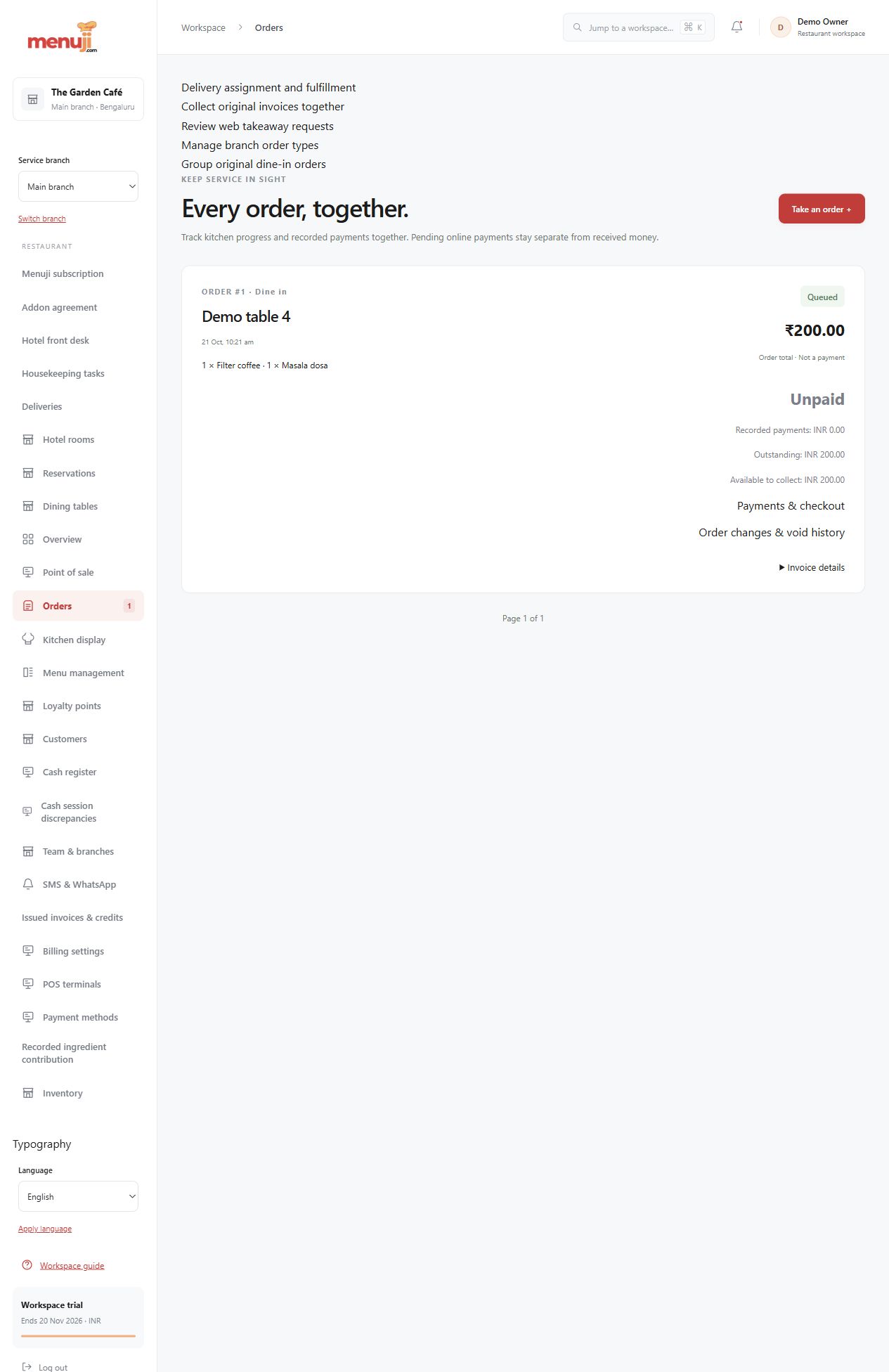
- 01
Find the order in the correct branch.
- 02
Review items, status and available documents.
- 03
Use the supported action for its current state.
Check the details.
Grouping does not create one replacement invoice or merge money histories. Delivery-marketplace synchronisation is not established.
Good questions.
Do historical choices survive menu edits?
Supported order snapshots retain their original labels and prices, including captured choices.
Does delivery mean marketplace integration?
No. Delivery service types and workflows do not imply synchronisation with third-party food marketplaces.
Bring your menu.
Walk through a real order.
Explore the workflow, check the details and choose the setup that fits your restaurant.