
Currency & language. Work in your restaurant’s context.
Your menu currency, operating day, staff language and software subscription each have their own role.
Thirteen sales currencies
Configured currencies include INR, THB, USD, EUR, GBP, AED, SAR, SGD, AUD, CAD, JPY, KWD and BHD, using their configured decimal precision.
Days follow your timezone
Restaurant-local dates help the team review service and period-based records in the correct context.
Language choices for the team
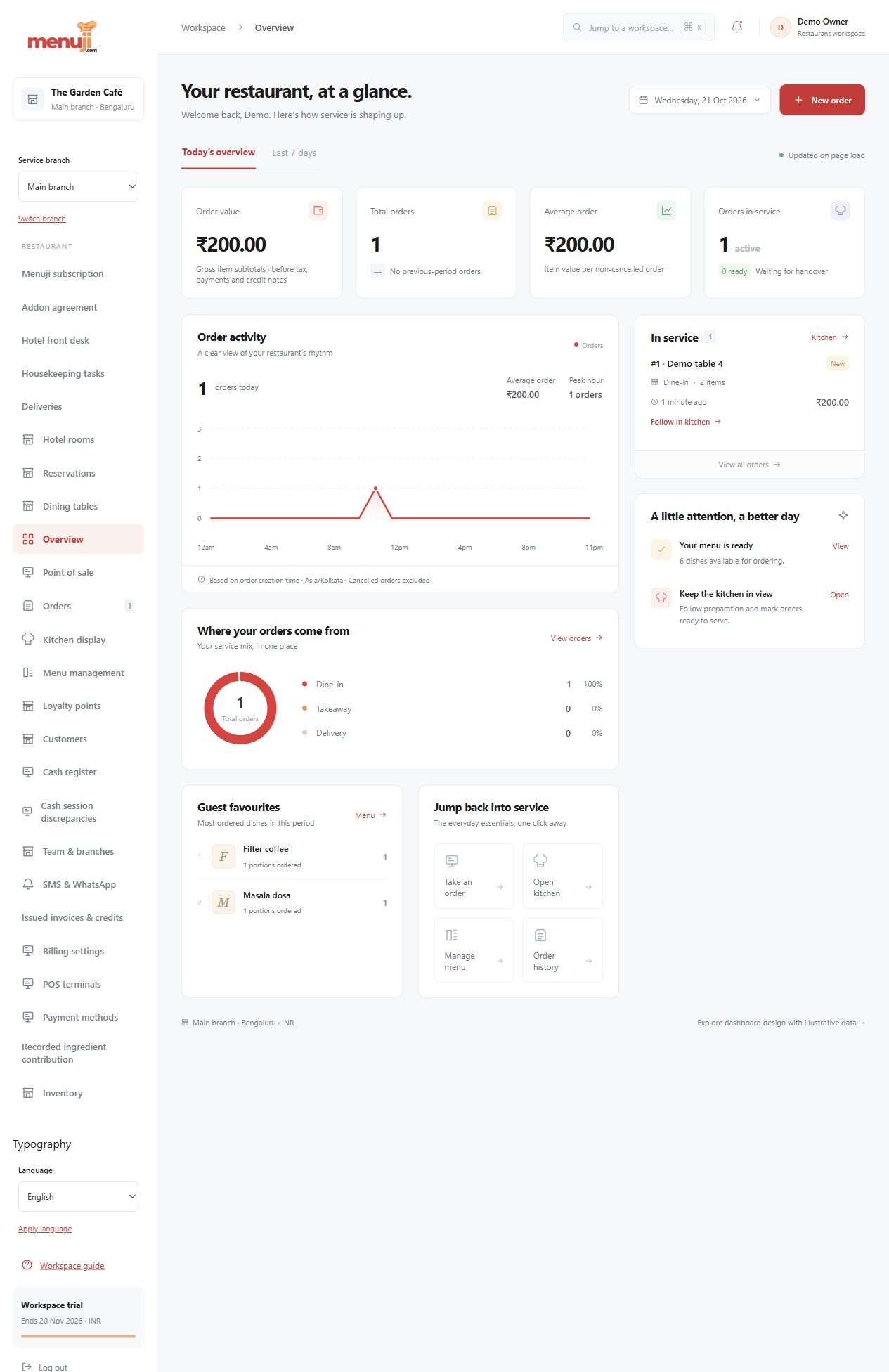
English, Hindi, Kannada and Thai packs cover many supported operational screens. Restaurant-authored names and financial source values retain their meaning.
- 01
Choose currency and timezone carefully.
- 02
Set a supported personal language preference.
- 03
Review representative menu, order and invoice screens.
Check the details.
Language coverage varies by screen and module. Currency selection does not provide automatic exchange conversion, universal tax compliance or gateway support in every country.
Good questions.
Can subscription and sales currency differ?
Yes. India subscription prices are in INR; advertised international subscription prices are in USD. Your menu currency is a separate setting.
Is every screen fully translated?
No universal coverage claim is made. Confirm the screens and terminology your team needs in a pilot.
Bring your menu.
Walk through a real order.
Explore the workflow, check the details and choose the setup that fits your restaurant.