
Setup required
Language, typography & local presentation
Choose supported interface languages and controlled presentation settings for staff and public menus.
Built for the work you do.
- Use English, Hindi, Kannada or Thai across supported workflows.
- Choose supported staff and public-menu font settings.
- Style eligible branded QR labels and restaurant menu presentation.
- Use the restaurant currency and timezone in supported records.
Before you switch it on
Coverage and translation quality vary by screen. Fonts and QR output need real-device checks; currency selection does not provide automatic exchange conversion.
Discuss your setup ↗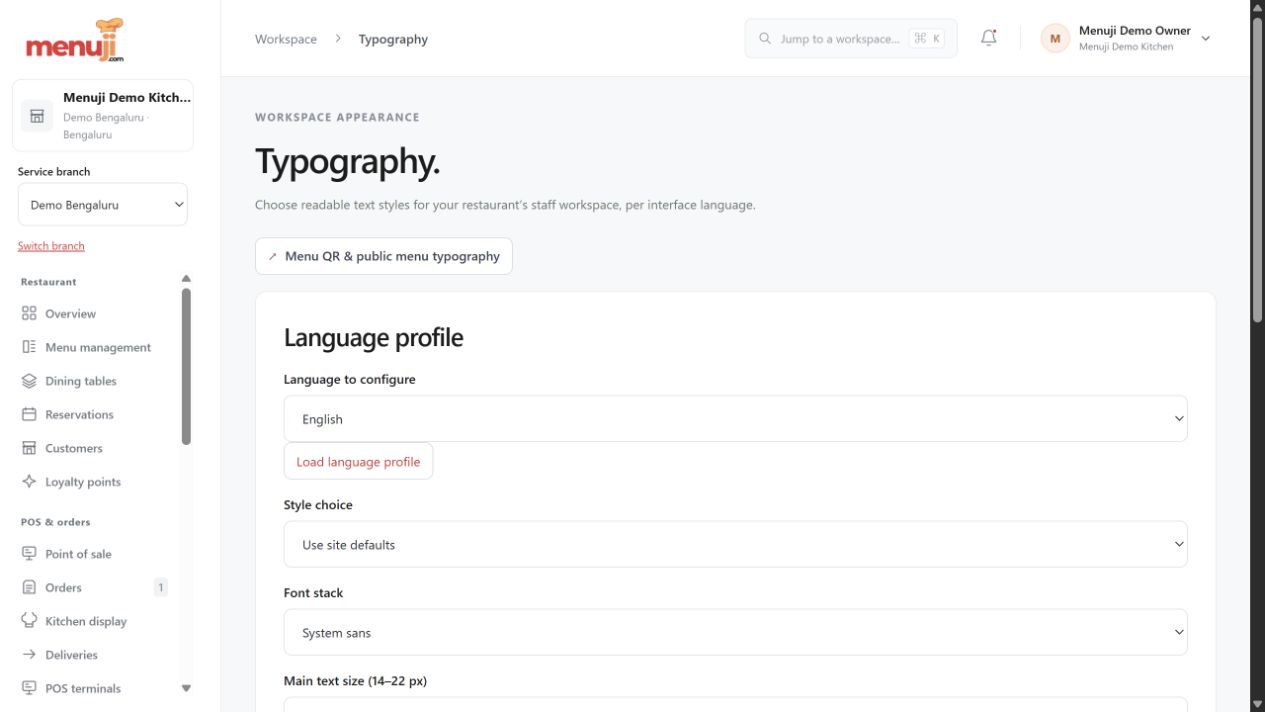
Menuji Demo Kitchen · Current app capture · Sample data. Photo credits.
MAKE THE NEXT SERVICE YOUR STARTING POINTBring your menu.
Bring your menu.
Make room for good service.
Start with your restaurant account, explore the workflow and find the setup that fits your team.