
Kitchen & KOT workflow. Make the next handover clear.
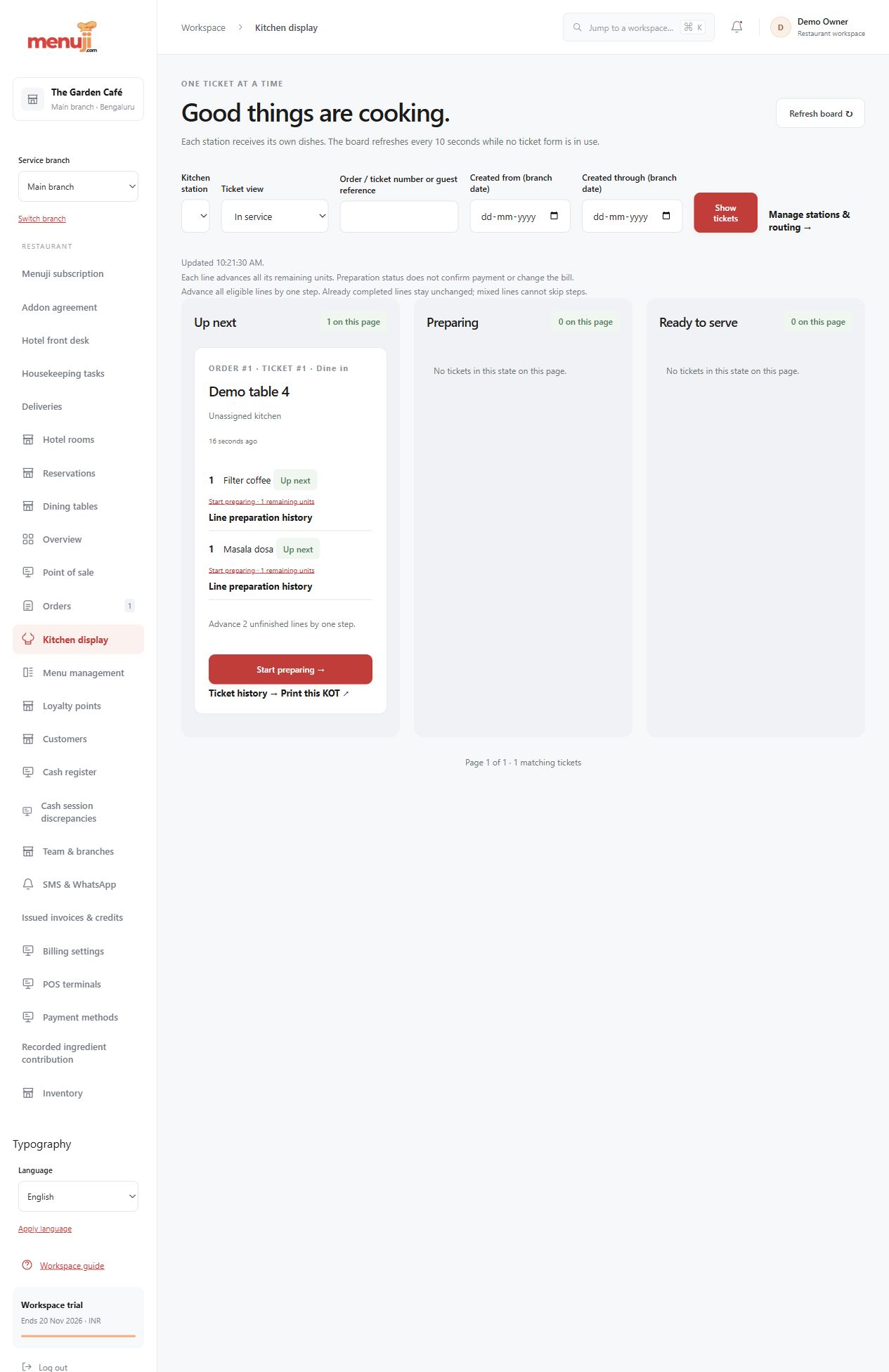
Help the kitchen see what belongs at each station and help service staff see what is ready for collection.
Route work to stations
Configured routing directs relevant preparation tasks while retaining the original order context and notes.
Follow preparation progress
Supported ticket and item transitions maintain histories so the team can distinguish queued work, preparation and ready handovers.
Prepare a readable KOT
Browser layouts and managed print-job records support controlled attempts and reprints. An operator outcome remains a record of the attempt.
- 01
Set up stations and routing.
- 02
Review tickets and update supported preparation states.
- 03
Complete the handover and retain its history.
Check the details.
Printer compatibility and physical output must be tested on your devices. A print dialog or recorded outcome does not prove a paper ticket was produced.
Good questions.
Can the kitchen see preparation notes?
Yes. Supported order and line instructions stay available in the relevant kitchen workflow.
Will every thermal printer work?
Confirm the printer, browser, paper size and local setup in a real-device pilot.
Bring your menu.
Walk through a real order.
Explore the workflow, check the details and choose the setup that fits your restaurant.