
Invoices & billing. Keep the issued document intact.
Give staff and guests a readable document, with original financial detail preserved when later changes need a separate record.
Configured financial detail
Supported tax components, item-specific taxes, service charges and reviewed discounts contribute to captured order and invoice totals.
Preserve the original
Issued invoices retain captured source values. Eligible unpaid-order credits record corrections separately instead of silently rewriting the invoice.
Print for the setting
Standard and 80mm layouts support browser printing. Review paper settings and test the actual printer before service.
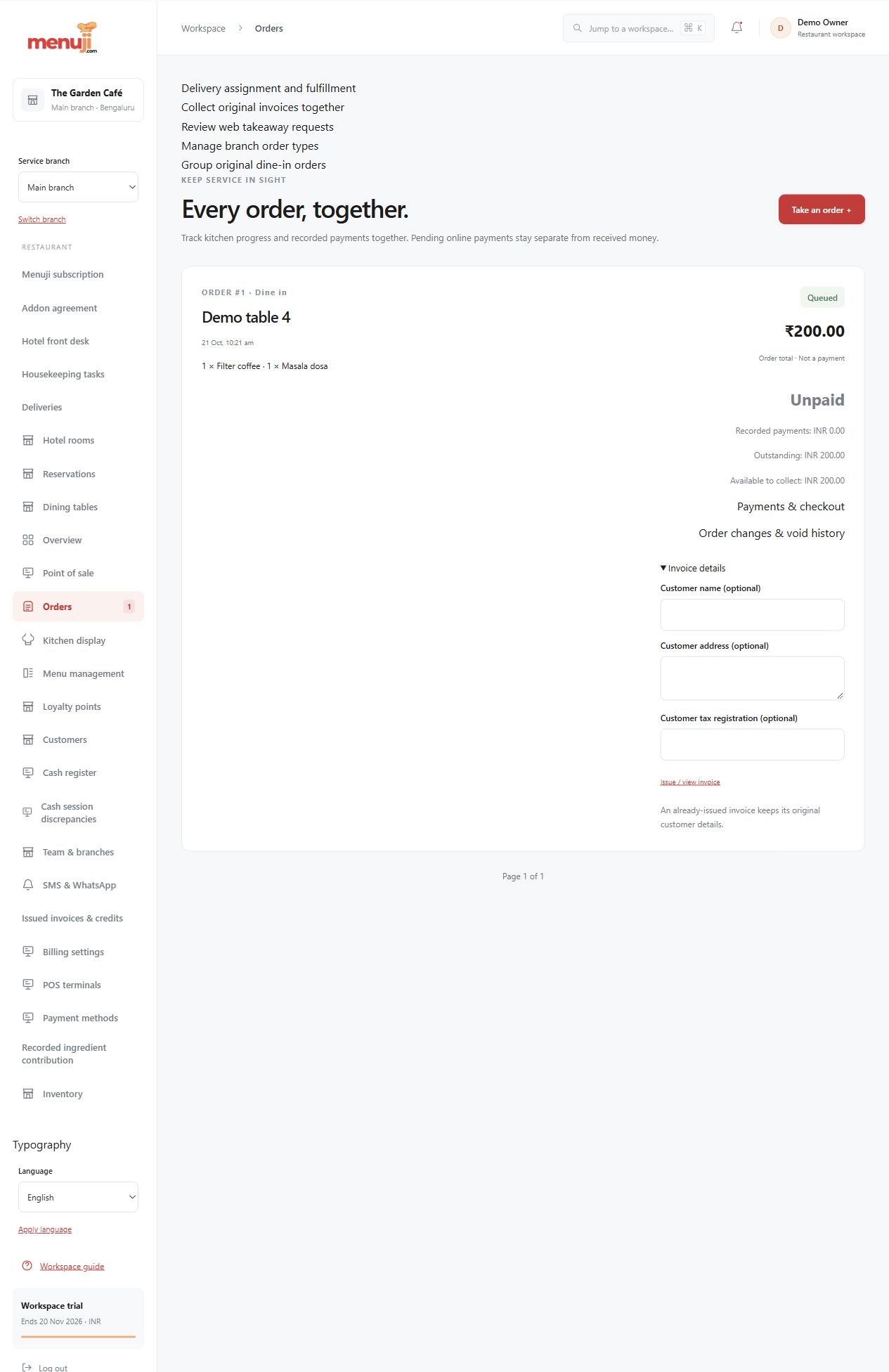
- 01
Review seller and tax settings.
- 02
Inspect a representative invoice and its totals.
- 03
Test permitted corrections and the chosen print layout.
Check the details.
Software tax settings are not legal or tax advice. Confirm local requirements with your adviser. Paid-order and reward-related corrections have specific limits.
Good questions.
Does an invoice prove payment?
No. An issued invoice and a payment are separate records; inspect collection status.
Can I change an issued invoice?
Supported correction workflows preserve the original and issue eligible separate credit evidence. Arbitrary historical replacement is not promised.
Bring your menu.
Walk through a real order.
Explore the workflow, check the details and choose the setup that fits your restaurant.